How to Check If a Doctor Is In Network (and Avoid Surprise Bills)
Provider directories are often wrong. Use this three-step check to confirm a doctor, hospital or lab is in your network before you book.
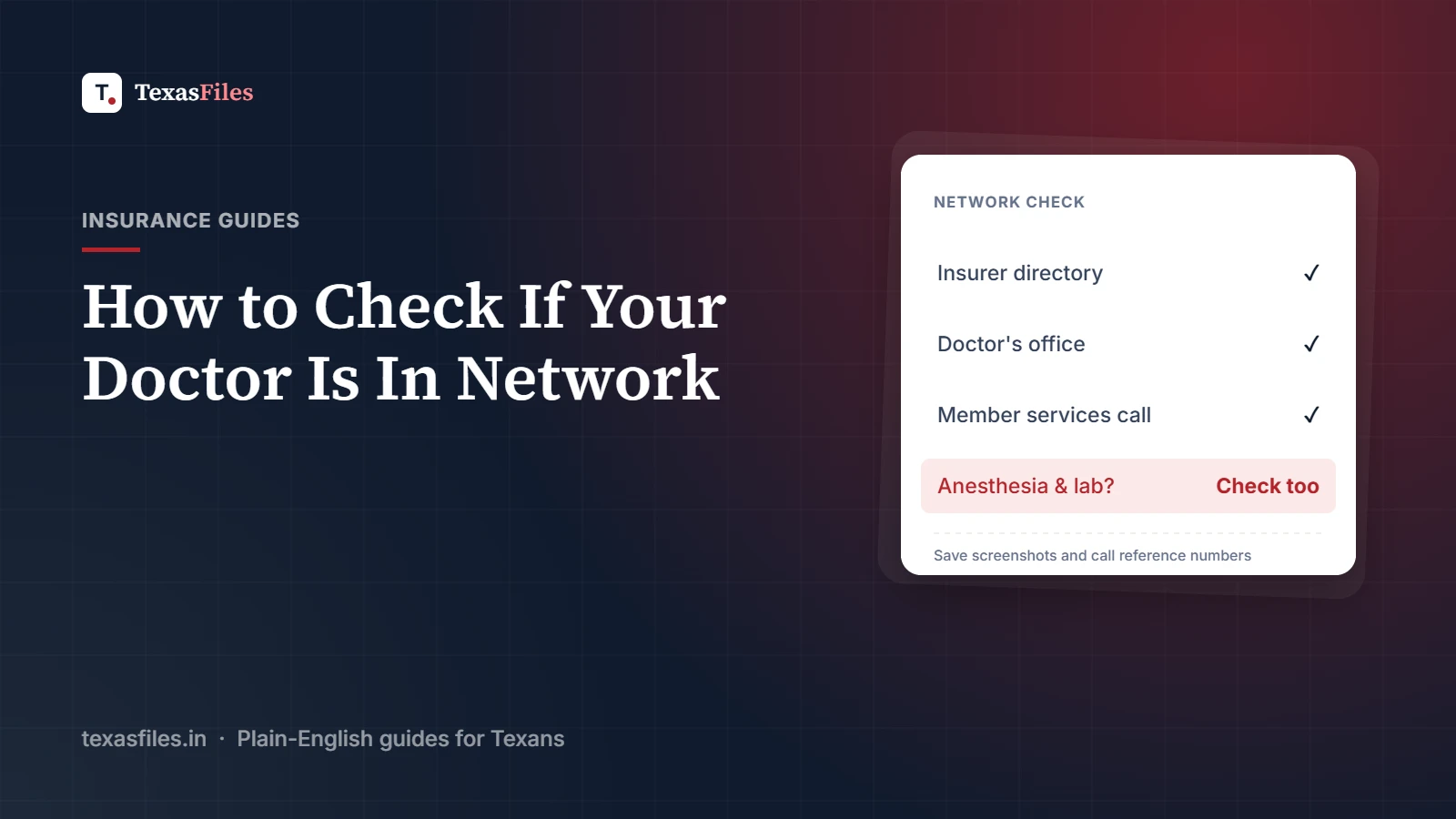
Seeing an out-of-network doctor by mistake is one of the fastest ways to end up with a medical bill several times larger than you expected. And it happens often, because insurance provider directories are frequently out of date. A doctor listed as "in network" online may have left the network months ago, moved offices, or stopped taking new patients.
Here's how to confirm a doctor, hospital, or lab is truly in your network before you book, and what to do if you get it wrong.
Why "In Network" Matters So Much
In-network providers have signed a contract with your health plan agreeing to accept a negotiated rate. You pay only your share of that rate. Out-of-network providers have no contract, so:
Your plan may pay nothing at all, especially with HMO and EPO plans
If your plan does pay, your deductible and coinsurance are usually higher
The provider may bill you the difference between its full charge and what your plan paid, known as balance billing
Out-of-network spending may not count toward your out-of-pocket maximum
Step 1: Get the Exact Name of Your Plan
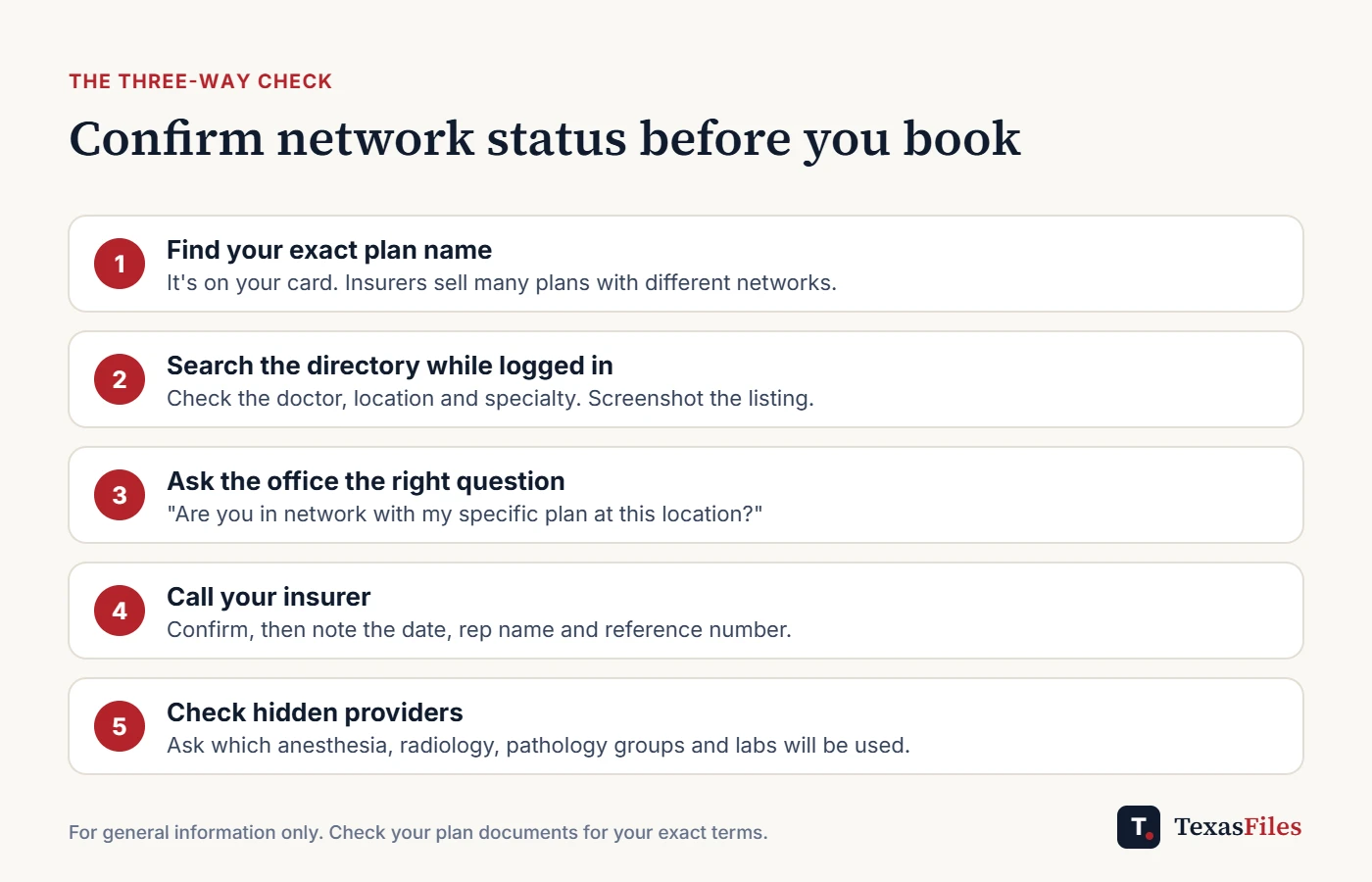
Insurers sell many different plans with different networks. "Blue Cross" or "UnitedHealthcare" isn't enough. Look at your insurance card or member portal for the exact plan or network name. A doctor can be in network for one of an insurer's plans and out of network for another.
Step 2: Search Your Insurer's Provider Directory
Log in to your insurer's website or app and use the "Find a Doctor" tool while signed in, so the results reflect your specific plan. Search by the doctor's full name, and check:
The exact office location, since in-network status can differ by location
The specialty listed
Whether the doctor is accepting new patients
Take a screenshot showing the date, your plan name, and the listing. If the directory turns out to be wrong, this is valuable evidence.
Step 3: Call the Doctor's Office
Don't ask, "Do you take Aetna?" or "Do you accept my insurance?" Many offices will say yes even if they're out of network, because they'll bill your insurance either way. Instead, ask:
"Are you in network with my specific plan, [plan name from your card]?"
"Is this doctor, at this location, in network?"
Step 4: Call Your Insurer to Confirm
For anything expensive or ongoing, call the member services number on your card and ask the representative to confirm the provider's network status. Write down the date, the representative's name, and the call reference number.
Don't Forget the Providers You Don't Choose
Even at an in-network hospital, some of the people who treat you may bill separately, including anesthesiologists, radiologists, pathologists, emergency physicians, and assistant surgeons. Labs that process your blood work can also be out of network.
Before a planned procedure: Ask the hospital or surgeon which groups provide anesthesia, radiology, and pathology, and check those groups too.
For lab work: Ask where your samples will be sent, and request an in-network lab if needed.
The federal No Surprises Act and Texas law protect you from most surprise out-of-network bills from these providers at in-network facilities, as well as in emergencies. Learn more in our guides to Texas SB 1264 and the ER out-of-network trap.
If the Directory Was Wrong
Under the No Surprises Act, if you relied on your plan's provider directory and the provider turned out to be out of network, your plan generally must limit your cost-sharing to in-network amounts. This is where your screenshot matters. Contact your insurer, explain what happened, and provide your evidence. If they refuse, you can appeal the decision.
Check Again Every Year
Networks change. Doctors join and leave, and insurers renegotiate contracts with hospital systems. Recheck your key providers during Open Enrollment and any time you get a notice from your plan or doctor about a contract change.
Frequently Asked Questions
What's the difference between "participating" and "in network"?
They generally mean the same thing: the provider has a contract with your plan.
My doctor left the network mid-treatment. What can I do?
Federal law provides continuity-of-care protections for certain patients, such as those undergoing treatment for a serious condition, who are pregnant, or who are scheduled for surgery. You may be able to keep seeing the doctor at in-network rates for up to 90 days. Contact your insurer.
Is urgent care in network?
Not automatically. Check urgent care centers the same way you'd check a doctor, before you need one.
The Bottom Line
Always verify network status in three places: your insurer's directory, the provider's office, and your insurer's member services line. Ask specific questions, document the answers, and remember to check the providers you don't choose yourself.
Keep reading
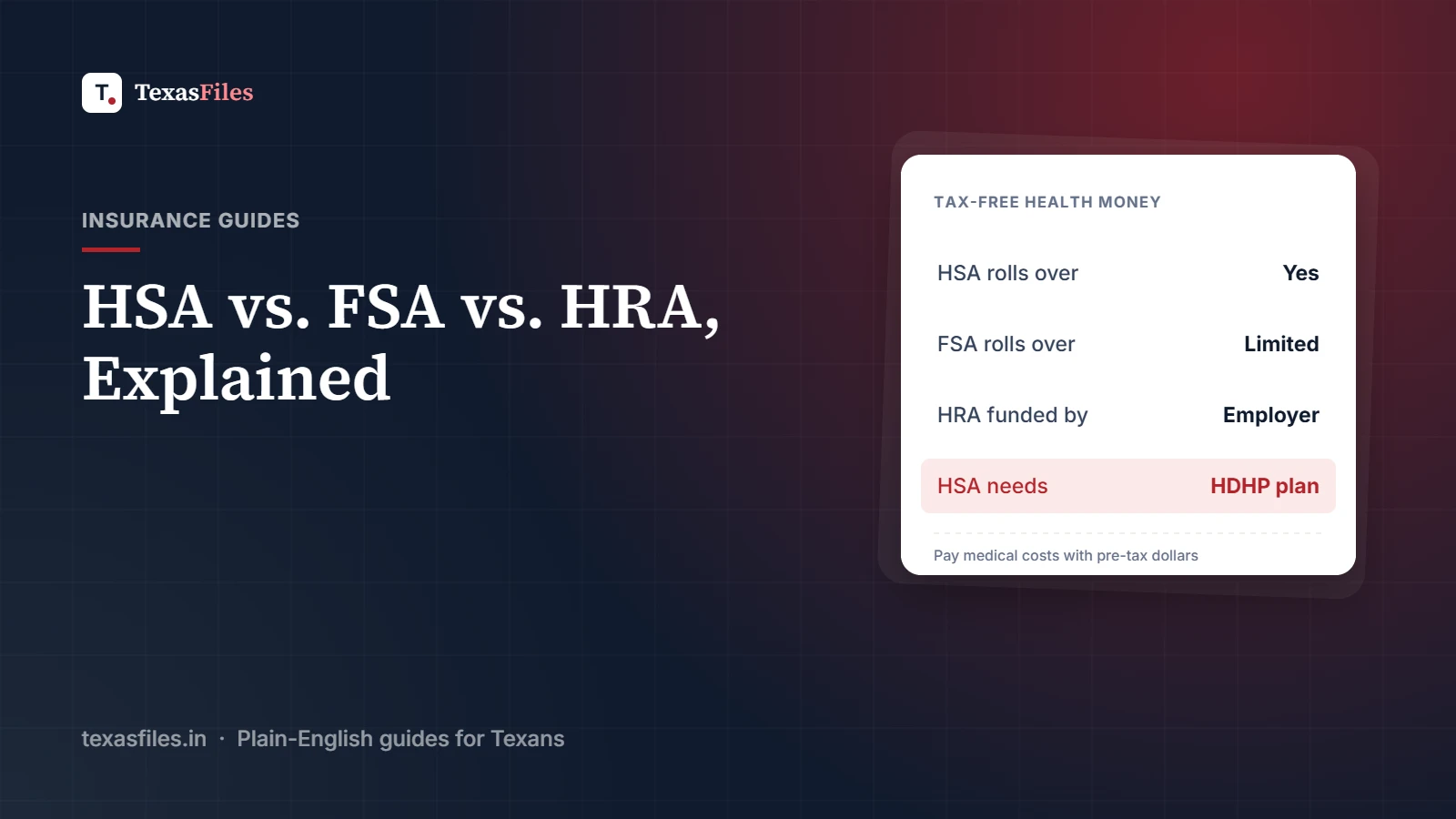
HSA vs. FSA vs. HRA: Health Accounts Explained
HSA, FSA and HRA explained: who can use each account, who contributes, rollover rules and how to pay medical bills with tax-free money.
·4 min read
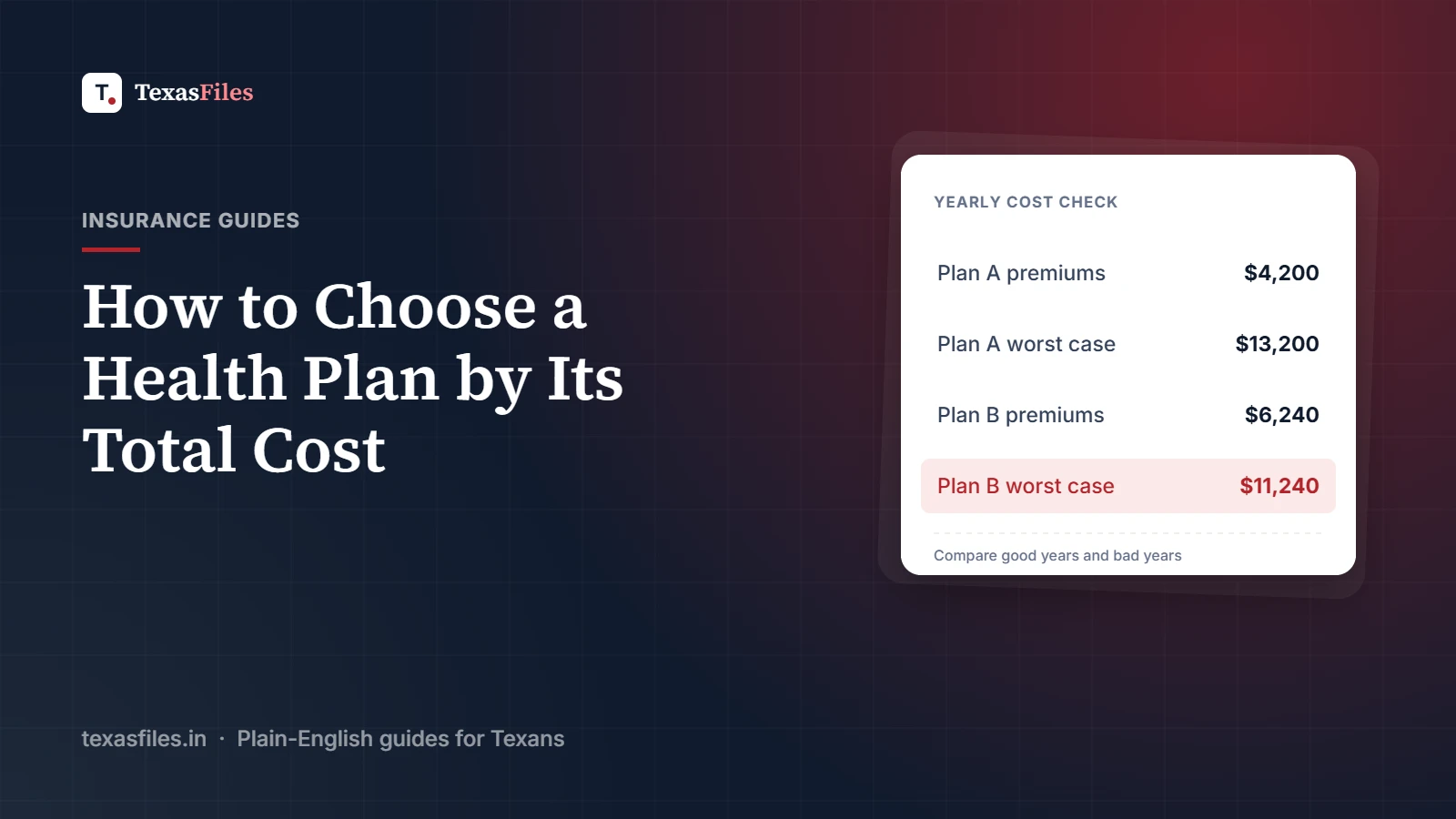
How to Choose a Health Insurance Plan: Compare the Total Cost, Not the Premium
The cheapest premium isn't always the cheapest plan. Learn how to compare health plans by total yearly cost, networks and drug coverage.
·3 min read
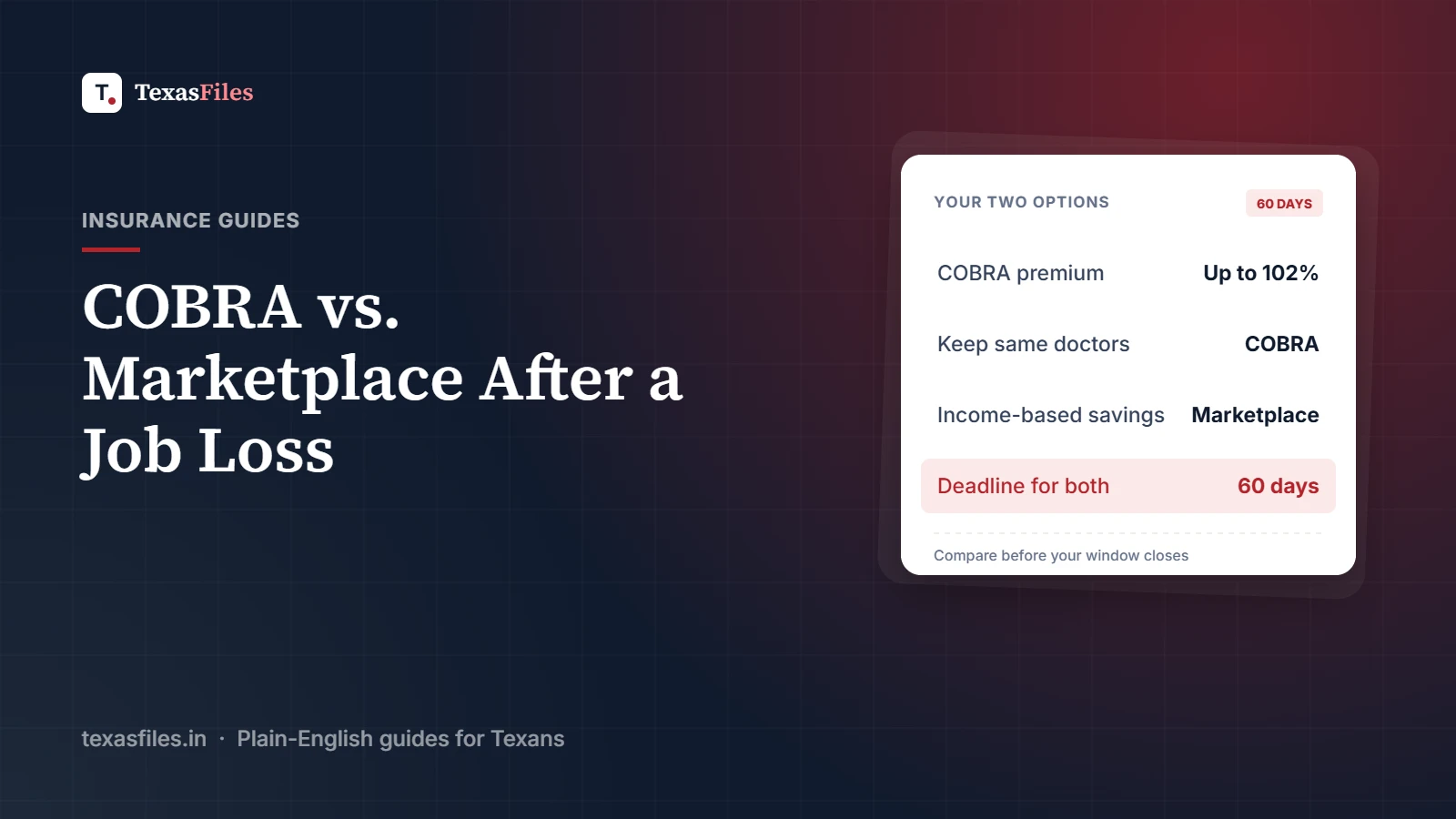
COBRA vs. Marketplace Insurance After a Job Loss in Texas
Lost your job? Compare COBRA and a HealthCare.gov Marketplace plan: costs, deadlines, networks and when each option makes sense for Texans.
·4 min read